
The Studio
Direct a meeting like a programme
Scenes, virtual sets, a place to wait before going on, talkback to whoever is presenting, name captions, audience overlays and a vertical cut for phones.
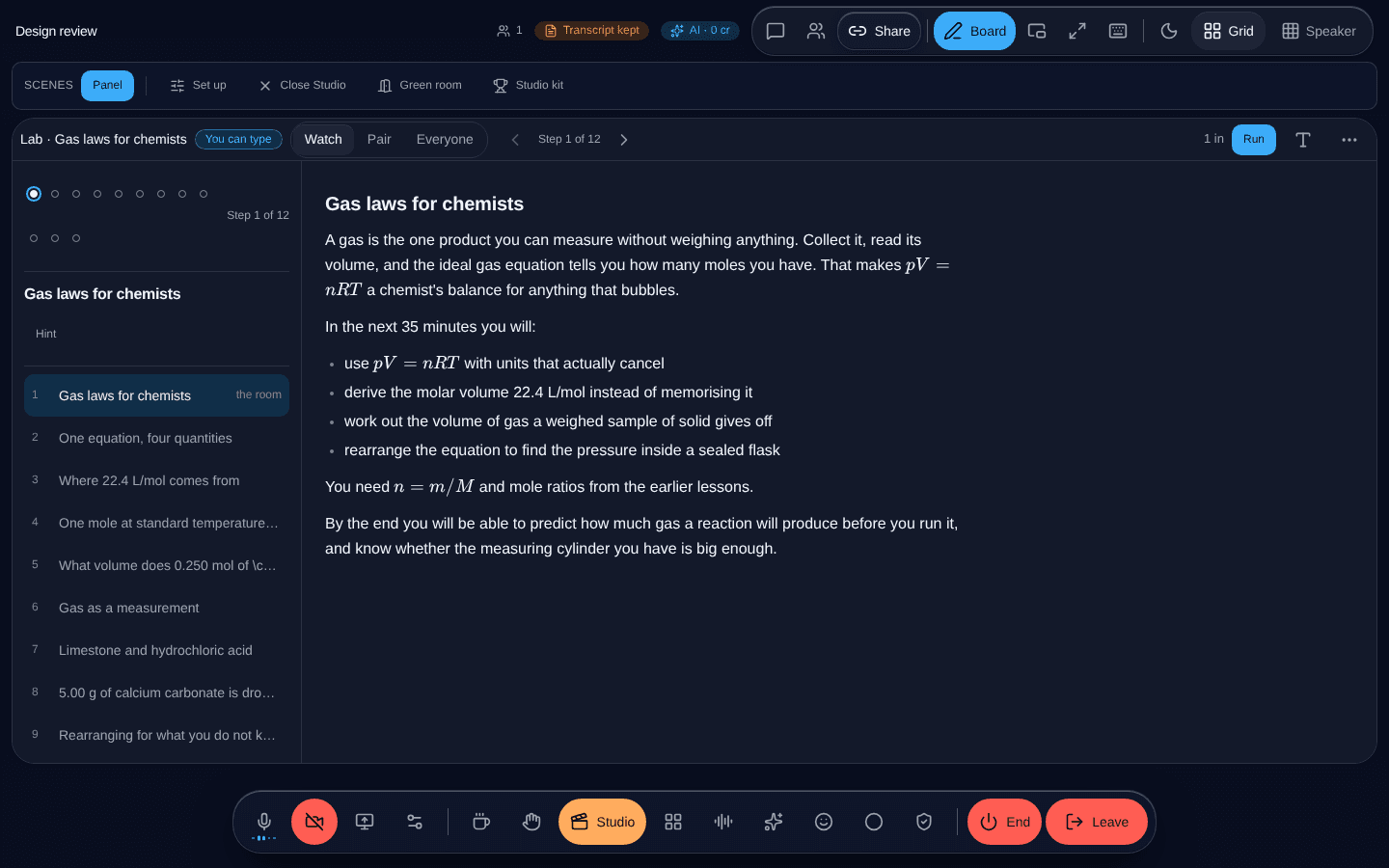
What it is
A broadcast director inside the meeting. Cut between scenes, put somebody on a set, hold the next speaker somewhere they can be briefed without the audience hearing, talk to a presenter while they are live, put names and lower thirds on screen, and produce a vertical version for phones at the same time.
One renderer produces the meeting, the recording and the stream, so what you arrange is what all three show.
It tells people when they are on
The person being directed sees whether they are on screen right now. It is never red — red means recording, everywhere, and borrowing that colour for anything else is how somebody comes to believe they were not being recorded.
What this does not do
There is one way in: a single "Direct this meeting" button, host-only. It is a studio behind an unassuming door, and people who do not know it is there do not find it.